Table of Contents
SEO-friendly web design is the foundation of a successful modern website. A beautifully designed site alone cannot rank on search engines unless it is structured for speed, usability, mobile responsiveness, and search visibility. Today, platforms like Google prioritize websites that provide fast loading, clean navigation, mobile-first layouts, and optimized user experience.

Whether you run a business website, blog, or eCommerce store on WordPress or another CMS, applying SEO-friendly design principles helps improve rankings, increase traffic, and generate more leads.
This complete guide explains everything about SEO-focused website design, including techniques, best practices, mistakes to avoid, and actionable optimization tips.
What Is SEO-Friendly Web Design?
SEO-friendly web design means creating a website that is structured so search engines can easily crawl, understand, and rank its pages while users enjoy a smooth browsing experience.
It combines:
- Technical SEO structure
- Responsive design layout
- Fast loading performance
- Clean navigation hierarchy
- Optimized visual elements
A well-designed SEO website improves both search rankings and user engagement.
Why SEO-Friendly Web Design Is Important
Modern search algorithms evaluate not only content but also user experience signals. If your website loads slowly or looks broken on mobile devices, your rankings drop.
Key benefits:
- Higher ranking positions
- Better user engagement
- Increased organic traffic
- Lower bounce rate
- More business conversions
A strong SEO design ensures long-term digital growth and consistent website performance.
1. Mobile-First Responsive Design
Mobile responsiveness is one of the most critical ranking factors today.
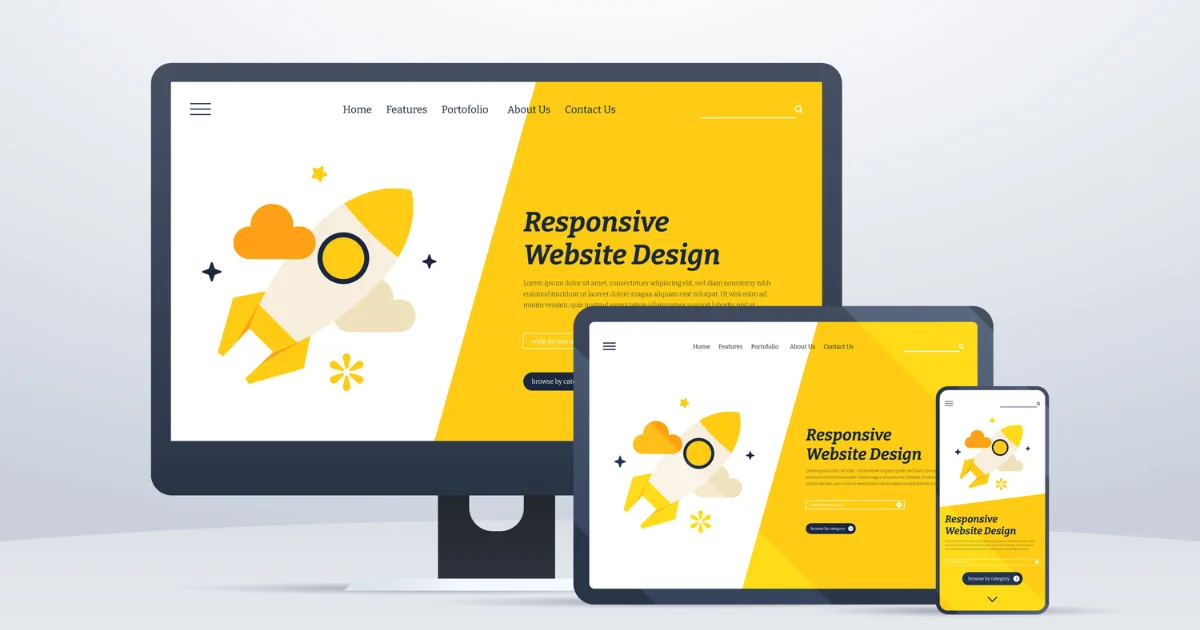
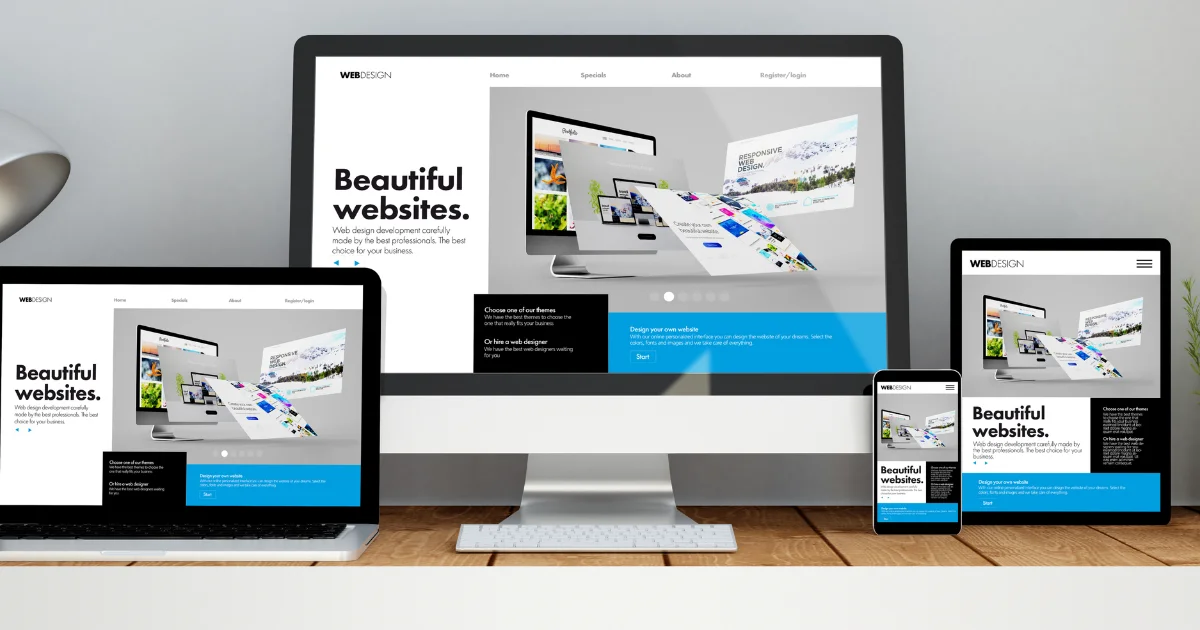
A mobile-first website automatically adjusts its layout, images, and content to different screen sizes including smartphones, tablets, and desktops.
Best practices:
- Use flexible grid layouts
- Avoid fixed-width elements
- Ensure readable font sizes
- Keep buttons easy to tap
Responsive websites rank better because search engines prioritize mobile usability.
2. Website Speed Optimization
Page speed directly impacts SEO rankings and user experience. Visitors often leave websites that take more than three seconds to load.
Ways to improve website speed:
- Compress images before uploading
- Enable browser caching
- Use optimized hosting
- Reduce unnecessary plugins
- Minify CSS and JavaScript
Fast websites increase user satisfaction and improve search performance.
3. Clean Website Structure and Navigation
Search engines prefer websites with clear structure and organized navigation.
A simple menu hierarchy helps both users and crawlers understand the content flow.
Example of good structure:
Home
→ Services
→ Blog
→ About
→ Contact
Navigation tips:
- Keep menu items limited
- Use descriptive page names
- Add breadcrumb navigation
- Avoid deep nested pages
Clear structure improves crawlability and indexing.
4. SEO-Optimized URL Structure
SEO-friendly URLs are short, readable, and keyword-focused.
Good example:
example.com/seo-friendly-web-design
Bad example:
example.com/page?id=78456
URL rules:
- Use hyphens instead of underscores
- Keep URLs short
- Include primary keywords
- Avoid numbers and symbols
Clean URLs improve both rankings and user trust.
5. Optimized Typography and Readability
Good typography improves user experience and reduces bounce rate.
Recommended practices:
- Use readable font sizes (16px or above)
- Maintain proper line spacing
- Use short paragraphs
- Add clear headings
Readable websites keep visitors engaged longer, sending positive ranking signals.
6. Image Optimization for SEO
Images must be optimized to prevent slow loading.
Important image SEO steps:
- Use compressed image formats
- Add descriptive file names
- Include alt text with keywords
- Avoid extremely large dimensions
Optimized visuals improve accessibility and search visibility.
7. Internal Linking Strategy
Internal linking helps search engines discover pages and improves content authority.
Example internal links:
- Service page → blog article
- Blog article → related guide
- Homepage → important landing pages
Internal linking tips:
- Use natural anchor text
- Link to relevant pages only
- Avoid excessive linking
Strong internal linking improves ranking distribution across the site.
8. SEO-Friendly Header Tag Structure
Header tags organize content clearly.
Proper heading hierarchy:
H1 – Page title
H2 – Main sections
H3 – Subsections
Avoid skipping heading levels.
Structured headings help search engines understand your page topic.
9. Conversion-Focused Design Elements
SEO traffic is valuable only when visitors convert.
Important conversion design features:
- Clear call-to-action buttons
- Simple contact forms
- Trust badges or testimonials
- Visible service highlights
Conversion-optimized design increases business results from organic traffic.
10. Secure Website (HTTPS)
Security is a ranking factor.
Websites must use SSL encryption.
Secure sites:
- Protect user data
- Increase visitor trust
- Improve search engine credibility
Always ensure your website loads using HTTPS.
11. User Experience Signals That Affect Rankings
Search engines analyze behavioral signals including:
- Bounce rate
- Time on page
- Click-through rate
- Page interaction
Good design improves these signals automatically.
12. Avoid These SEO Web Design Mistakes
Common mistakes:
- Slow loading homepage
- Too many animations
- Poor mobile layout
- Confusing navigation
- Large uncompressed images
- Broken internal links
Fixing these issues can quickly improve rankings.
13. Best Platform for SEO-Friendly Web Design
Many businesses choose CMS platforms because they simplify SEO management.
Popular options include:
- WordPress
- Shopify
- Joomla
Among these, WordPress remains widely preferred due to flexibility, plugin support, and SEO customization features.
14. SEO-Friendly Homepage Design Tips
Your homepage should clearly explain:
- What your business offers
- Who your services help
- Why customers should choose you
Include:
- Clear headline
- Service overview
- Trust indicators
- Simple navigation
- Contact option
A strong homepage improves both rankings and conversions.
15. Future Trends in SEO Web Design
Modern website design continues evolving with new technologies.
Upcoming trends:
- AI-powered personalization
- Voice-search optimized layouts
- Ultra-fast performance frameworks
- Accessibility-focused interfaces
- Minimalist user experience
Businesses adopting these trends gain competitive advantage.
Frequently Asked Questions
What is SEO-friendly web design?
SEO-friendly web design is a method of building websites with optimized structure, fast speed, mobile responsiveness, and clean navigation so search engines can easily crawl and rank the content while users enjoy a smooth browsing experience.
Does website design affect Google rankings?
Yes, website design strongly affects rankings because search engines evaluate page speed, mobile usability, navigation structure, and user experience signals when determining search positions.
How can I make my website SEO-friendly?
You can improve SEO friendliness by optimizing page speed, using responsive layouts, adding structured headings, compressing images, creating clear navigation, and maintaining a logical internal linking structure.
Is WordPress good for SEO website design?
Yes, WordPress is widely considered SEO-friendly because it allows customizable URLs, plugin support, responsive themes, and easy content management for optimization.
Conclusion
SEO-friendly web design is not just about aesthetics — it directly impacts search visibility, user engagement, and business success. A fast, mobile-optimized, well-structured website with clear navigation and optimized visuals helps improve rankings and attract consistent organic traffic.
By implementing the strategies in this guide, businesses can build websites that satisfy both users and search engines while staying competitive in the evolving digital landscape.